
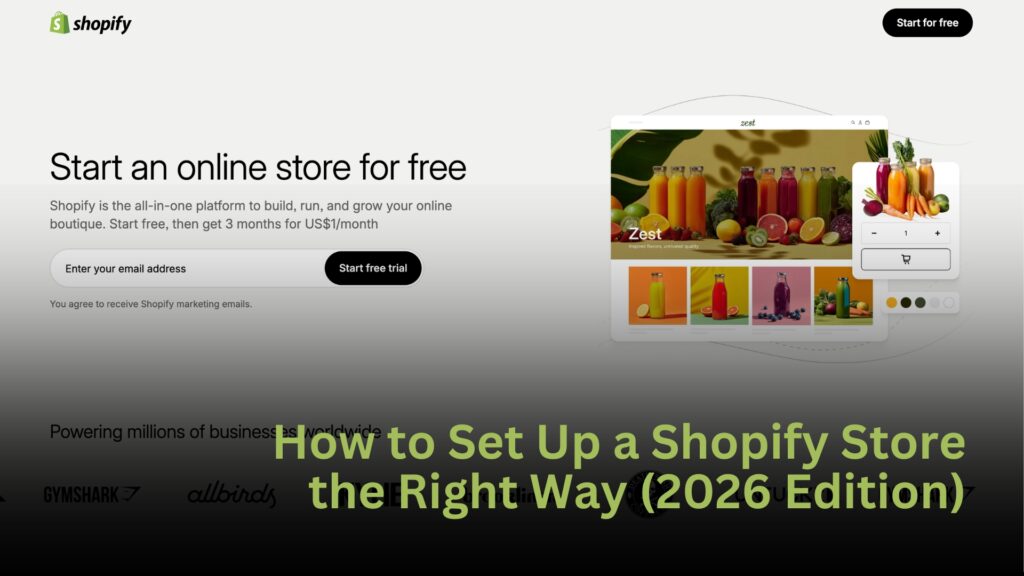
Setting up a Shopify store is easier than ever in 2026, but doing it the right way is what separates stores that make sales from stores that never get traction. This guide walks you through the full setup so you can build a store that looks professional, converts visitors, and scales when sales come in.
Step 1: Create Your Shopify Account
Start by going to Shopify and creating an account. Pick a store name that is simple and easy to remember. Do not overthink this. You can always change it later.
Once you are in the dashboard, you will see your store backend. This is where everything happens.
Step 2: Choose the Right Theme
Your theme controls how your store looks and feels. A clean and simple theme always beats something flashy.
Go to Online Store, then Themes, and pick a theme that is:
- Mobile friendly
- Fast loading
- Easy to read
Your goal is to make shopping feel simple. A cluttered store kills sales.
Step 3: Add Your First Product
Click Products, then Add Product.
Focus on one product first. It is better to have one great product than ten random ones.
When adding a product:
- Use clear images
- Write a simple title that explains what it is
- Describe the main benefit in the first line
- Add bullet points for features
People skim. Make your product easy to understand in five seconds.
Step 4: Set Up Payments
Go to Settings, then Payments.
Enable:
- Shopify Payments
- PayPal
- Any local payment methods your customers use
The easier it is to pay, the more sales you get.
Step 5: Set Up Shipping
Go to Settings, then Shipping.
Create a simple shipping rate. Many stores use free shipping and build the cost into the product price.
Customers hate surprise fees at checkout.
Step 6: Set Up Taxes
Shopify can handle basic tax settings for you.
Go to Settings, then Taxes, and make sure your country or state is selected. This keeps you compliant as you grow.
Step 7: Create Basic Pages
Every store should have these pages:
- Home
- Product page
- Contact
- Refund policy
- Privacy policy
- Terms of service
Shopify can auto generate most of these for you. These pages help build trust.
Step 8: Install Only the Apps You Need
Apps can improve your store, but too many slow it down.
Start with:
- A reviews app
- An email capture app
- A cart recovery app
Add more only when you need them.
Step 9: Test Your Checkout
Before you run ads or post content, place a test order.
Buy your own product using a test payment method. Make sure:
- Emails send correctly
- The order shows up
- The checkout feels smooth
If you would not trust it, your customer will not either.
Step 10: Launch and Drive Traffic
Once your store is live, you need visitors.
The fastest ways to get traffic in 2026 are:
- TikTok videos
- TikTok ads
- Instagram Reels
- Influencer content
Do not wait for everything to be perfect. Launch, test, and improve.
The Right Way to Think About Shopify
Shopify is not just a website builder. It is your business engine.
Your store is where:
- You collect emails
- You retarget customers
- You build a brand
- You increase lifetime value

TikTok Shop and marketplaces are great for fast sales. Shopify is how you build something that lasts.
Final Thoughts
A Shopify store does not have to be complex to be profitable. Simple design, clear product pages, and a smooth checkout will take you far.
Focus on one product, make the buying process easy, and start driving traffic. That is how real ecommerce businesses are built in 2026.